- Product

- Pricing
- Affiliate Program
- Use Cases
- Resource
 EN
EN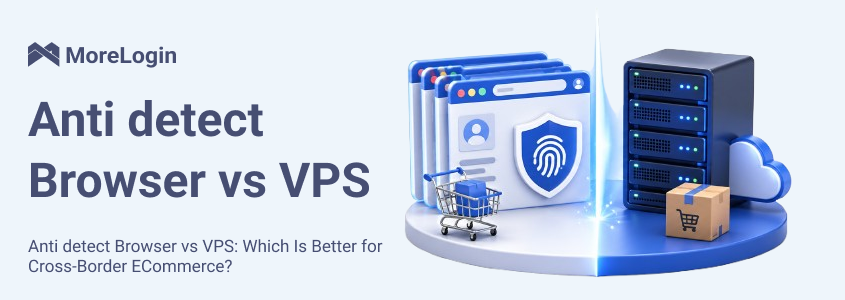
Cross-border e-commerce teams often start with the same question: should they use an anti detect browser or a VPS?
The confusion is understandable. Both can be part of a multi-account workflow. Both can help create a more controlled setup than working from one personal laptop. Solo sellers and larger teams can also use both. But they are not designed for the same job. A VPS gives you a remote machine. An anti detect browser gives you isolated browser profiles. One is infrastructure. The other is an account environment tool.
That is the real starting point of Antidetect Browser vs VPS. For cross-border e-commerce, the better option depends on what you are actually trying to control. If the goal is remote access and hosted system resources, VPS makes sense. If the goal is profile isolation, cleaner store separation, and more stable multi-account operations, an anti detect browser usually fits better.

An anti detect browser is built for profile-based account management. Each browser profile works as a separate environment with its own cookies, local storage, session data, browser settings, and fingerprint-related parameters. Anti detect browsers allow users to create multiple profiles, each opening in a separate browser window that functions like a regular browser, but with isolated cookies and local storage to prevent cross-profile tracking. If you want the full concept first, it helps to start with what is an anti detect browser.
This is why browser fingerprint keeps coming up in multi-account discussions. Platforms can look at more than IP addresses. They can also observe browser-level signals such as user agent, time zone, language, screen size, rendering behavior, and WebRTC-related data. Each profile can have its own fingerprint, generating unique fingerprints for every distinct user, so each profile appears as a separate device or user to websites. This helps prevent account linking and enhances online anonymity. An anti detect browser is built to manage that layer in a structured way and mimics a regular browser to websites, making each profile appear authentic.
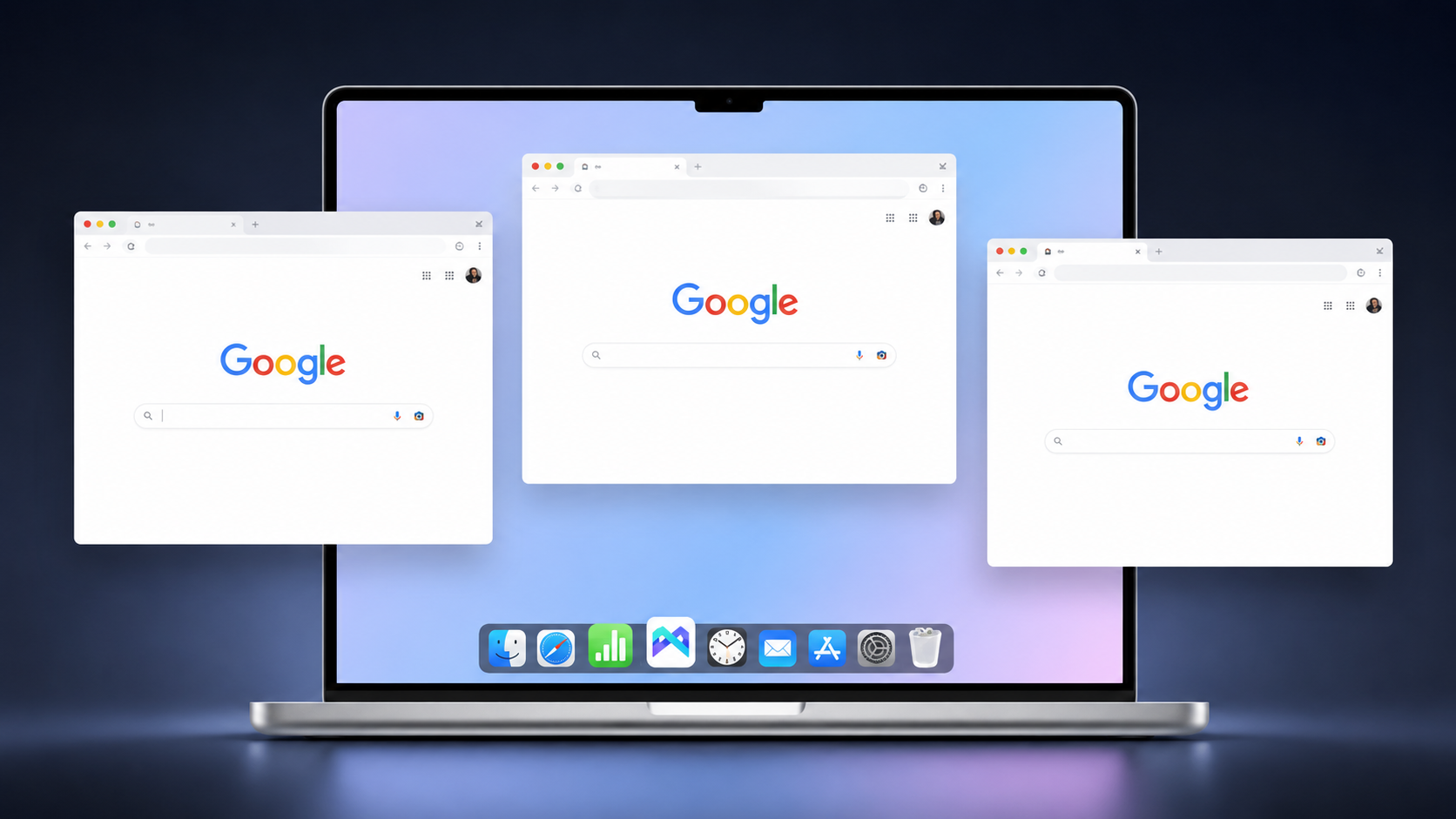
For cross-border e-commerce, the value is direct. One store can stay in one profile. Another store can stay in another. A support account does not need to share the same browser environment as an ad account. Using separate profiles helps isolate cookies and session data, which is essential for managing multiple accounts securely. The setup is cleaner, easier to manage, and easier to scale.
In practical terms, the anti detect browser side of Anti detect Browser vs VPS is designed around account separation from the start. Proxies help change your IP address, which is crucial for multi-accounting, as logging into multiple accounts from the same IP can lead to account linking and bans. Selecting the correct proxy type for each profile and pairing each account with a unique proxy is essential for optimal anonymity and to avoid detection.
A VPS, or virtual private server, is a remote virtual machine. VPSs are created using specialized software such as VirtualBox or VMware, which allows users to run virtual machines on a local machine or remote server. It runs its own operating system, and the user can usually install software, manage settings, and use it like a remote computer.
That makes VPS useful for remote access, hosted tools, long-running tasks, shared remote workspaces, and centralized system control. A VPS provides a static IP and a consistent network identity, which is useful for maintaining reliable remote access and centralized control. Some sellers use a VPS to separate work from a personal device. VPS offers infrastructure isolation, increasing security against local malware, but does not inherently provide fingerprint protection. Others use it because they want a machine that stays online even when their local computer is off.
This is where the comparison often gets mixed up. In Anti detect Browser vs VPS, a VPS does not replace browser profile isolation. While a VPS provides a separate operating environment and IP address, it does not manage browser fingerprints or account separation by default. It gives you a remote system, not separate browser identities by default.
The same applies to rdp vs anti detect browser. RDP is a remote access method. It lets you connect to a remote Windows machine. It is not a profile management tool, and it does not handle browser fingerprint consistency on its own.
The first difference is the basic unit each tool is built around.
An anti detect browser is built around browser profiles. Each profile can be treated as a separate working environment for a separate account, and can appear as if accessed from a different device—even when managing multiple accounts on the same platform. That matches the way many cross-border teams actually work. One store account uses one profile. Another store uses another. A buyer account or support account can stay separate as well. Using a separate device or an isolated profile is the most effective way to prevent account linking and minimize detectable signals.
A VPS is built around a remote machine. You get one virtual system with its own operating system and installed tools. That can be useful, but it does not automatically organize account separation inside the browser. If multiple accounts are still opened in a messy way inside the same remote machine, the VPS itself does not solve that problem.
This is the first major point in Anti detect Browser vs VPS. One separates browser environments directly. The other separates computing environments more broadly.
This is the clearest difference.
An anti detect browser is designed to manage browser-level signals. That includes items such as user agent, time zone, screen parameters, screen resolution, WebRTC behavior, and other profile characteristics that help define a browser environment. Websites collect device fingerprints by compiling data points such as screen resolution, user agent, and other parameters to create a unique device profile for each user. The goal is not random changes. The goal is stable separation between profiles. If multiple accounts are accessed from the same browser fingerprint, platforms can still link those accounts even if the IP address changes, because digital fingerprinting uses these data points to track users and identify linked accounts.
A VPS does not provide that layer by default. You can run Chrome or another browser on a VPS, but the VPS itself is not a fingerprint management system. It does not give you built-in logic for profile-by-profile browser identity control.
For cross-border e-commerce, this matters because many daily tasks are browser-based. Sellers log in to stores, dashboards, ads platforms, support tools, supplier portals, and regional back offices through the browser. If those accounts need clean separation, browser-level control is usually more relevant than remote machine access alone.
That is why Anti detect Browser vs VPS is not a close comparison when the real concern is account environment stability. One is built for browser identity management. The other is built for remote system access.
Cross-border teams rarely manage one account only. They often work with multiple stores, multiple regions, multiple marketplaces, and multiple support or advertising accounts.
An anti detect browser handles this more directly because each account can stay in its own browser profile. Cookies stay separate. Session history stays separate. Local storage stays separate. Maintaining multiple accounts with separate profiles helps prevent accounts from being flagged or linked, as each profile mimics a unique environment. The approach to managing and recovering accounts may also vary depending on how many accounts are being handled, making it important to tailor recovery processes and securely store recovery information.
A VPS can still be used for multi-account work, but the separation depends on how the user organizes the browser inside that remote machine. That means more manual control and more room for mistakes. The VPS can host the workflow, but it does not define the workflow.
This is one reason why many account-based teams lean toward the anti detect browser side of Anti detect Browser vs VPS.
In cross-border e-commerce, IP is only one part of the environment. Platforms may also compare time zone, browser language, and other session signals against the apparent location of the login.
An anti detect browser is usually easier to work with here because the browser profile is already treated as an individual account unit. A team can align one profile with one proxy and keep that account in a consistent setup over time. Selecting the appropriate proxy type and using multiple IPs is essential for keeping each account's IP address unique and consistent. Logging into multiple accounts from the same IP address can lead to account linking and bans. The process is easier to repeat across many accounts.
With a VPS, the setup is usually less profile-centered. You can still use proxies, but the machine is the main object, not the browser profile. As the number of accounts grows, that often turns into more manual setup and more opportunity for inconsistency.
This is where the gap in rdp vs anti detect browser becomes obvious. RDP can get you into the remote machine, but it does not give you profile-based proxy logic by itself.
The difference becomes bigger when multiple people are involved.
An anti detect browser is usually easier to use for account handoff, permission control, and profile-based organization. Teams can separate work by store, by market, by role, or by task. That structure is closer to real account operations. Affiliate marketers and other professionals managing multiple accounts often rely on profile sharing features to standardize access, reduce mistakes, and ensure consistency across user environments, streamlining multi-account management.
A VPS is better for shared machine access. That works when the team needs the same remote desktop or the same hosted environment. It is less efficient when different people are responsible for different accounts and those accounts need clear boundaries.
For cross-border e-commerce teams, that matters in simple operational terms. Customer support, advertising, store operations, product listing, and research are often handled by different people. A shared remote machine does not automatically give those roles a clean account structure.
A VPS gives flexibility, but it also creates system-level work. Setting up and maintaining a VPS requires substantial technical skills and is best suited for advanced users who need OS-level separation. Someone has to manage the machine, keep the environment organized, control remote access, update software, and maintain daily order inside the remote system. Sensitive data such as login credentials and cookies stored on a VPS can be vulnerable to leaks or hacking attempts if not properly secured.
An anti detect browser usually reduces that overhead when the real job is browser-based account management. The user is not trying to manage a remote operating system. The user is trying to keep many browser environments separate and stable.
That difference becomes visible in daily use. With a VPS, part of the workload goes into maintaining the machine. With an anti detect browser, more of the workload stays focused on the accounts themselves.
Scalability means different things depending on the tool.
An anti detect browser scales more naturally when the team needs to add more accounts, more operators, or more profile-based workflows. These solutions are specifically designed to help users manage dozens of profiles or accounts efficiently, keeping organization simple and maintenance minimal. Each new account can be placed into its own profile and managed within the same operating logic.
A VPS scales better when the team needs more hosted resources, more remote uptime, or more system-level capacity. However, scaling with VPS often requires more resources, such as additional RAM or deploying multiple VMs, to ensure smooth operation as demands increase. Automating processes across multiple VMs can also introduce added complexity and may require advanced scripting skills. That is useful, but it is a different type of scaling.
This is another reason why the answer to Anti detect Browser vs VPS depends on what the business is expanding. If the business is expanding account operations, the anti detect browser usually fits better. If the business is expanding remote computing needs, VPS makes more sense.
A VPS can look cheaper at first because it is a general-purpose remote machine. But price alone does not answer the workflow question.
If the real task is remote access, VPS may be the simpler purchase. If the real task is managing multiple browser-based accounts in an organized way, the lower-looking price can become less attractive once you add manual setup time, browser separation work, and the extra effort required to keep operations clean.
An anti detect browser is more specialized. Its cost is tied more directly to profile-based account work. For cross-border e-commerce teams, that often makes the cost easier to evaluate because the tool is closer to the actual job.
So in Anti detect Browser vs VPS, cost should be judged against daily operating needs, not just against the monthly bill.
The comparison becomes easier once it is placed inside real e-commerce workflows.
For multi-store management, an anti detect browser is usually the cleaner option. Each store can remain in its own profile. That makes login history, cookies, and profile settings easier to control.
For marketplace teams, the same logic applies. Seller accounts, support accounts, ad accounts, and research accounts often need separation. A remote machine does not provide that by default. A profile-based setup does.
For growing teams, this becomes even more practical. Shared remote access is not the same as structured account management. That is why many real-world anti detect browser application scenarios focus on account operations, running multiple accounts, market research, and web scraping, not just on server hosting. Anti detect browsers are widely used for web scraping to bypass CAPTCHAs and verification challenges, and for market research where maintaining distinct digital profiles is essential.
This is also where people ask whether a virtual machine for multi accounting is enough. A virtual machine can help with system-level separation, but it still does not provide browser profile control by itself. It can support the workflow, but it is not the same tool.
Choose a VPS if your main goal is remote access, hosted scripts, or a machine that stays online independently of your local device.
Choose an anti detect browser if your main goal is account separation, cleaner profile management, and more stable multi-account workflows. Using multiple browsers or standard browsers on a local machine does not provide the same level of isolation or digital fingerprint management as an anti detect browser, and running several standard browsers can increase resource consumption and detection risks.
Use both only if your workflow requires both infrastructure and browser-level account isolation. Most sellers do not need that combination at the beginning.
If your work is centered on browser-based account operations, how to choose anti detect browser is usually the more useful question.
MoreLogin belongs on the anti detect browser side of this comparison.
For cross-border e-commerce teams, the main task is usually not renting a remote machine. The main task is managing multiple accounts in separate browser environments. That is where an anti detect browser is more aligned with the daily workflow.
Each MoreLogin profile generates its own fingerprint, so every profile appears as a distinct user from a different computer to websites and online services. This ensures that each account is isolated and reduces the risk of detection or bans.
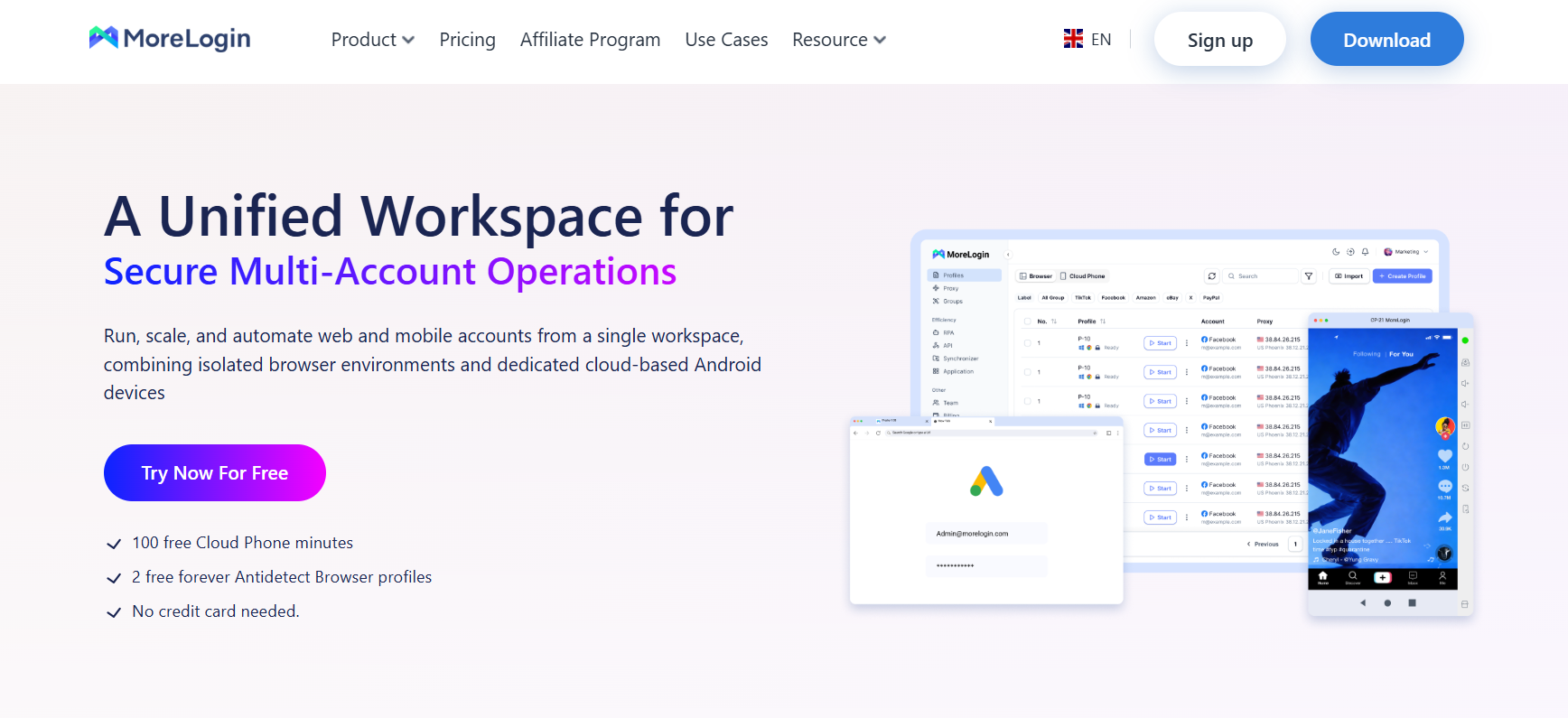
In a practical Anti detect Browser vs VPS comparison, MoreLogin fits businesses that need profile isolation, account separation, and browser-based team operations rather than general remote infrastructure.
The answer to Anti detect Browser vs VPS depends on the actual job.
If you need a remote machine, use a VPS.
If you need separate browser environments for separate accounts, use an anti detect browser.
For most cross-border e-commerce teams running browser-based multi-account operations, anti detect browser is the more relevant tool.
If you want, I can do one more pass to make this even more like a final publishable version by tightening the intro and MoreLogin section further.
If the main task is multi-account management, usually yes. A VPS is better for remote computing, while an anti detect browser is better for profile separation and browser-based account control.
RDP is a remote access protocol. An anti detect browser is a tool built for isolated browser environments and profile-based account workflows.
Usually not by itself. A virtual machine for multi accounting can provide an isolated environment, offering system separation, but it does not manage browser fingerprints or account separation by itself and does not replace browser profile management.
Not fully for browser-based multi-account work. They can support remote access or machine-level isolation, but they do not replace profile-based browser environment control.
Usually not at the start. Most teams only use both when they need remote infrastructure and browser-level account isolation at the same time.
How to Manage TikTok Accounts with Cloud Phone in 2026
Next
 EN
EN